


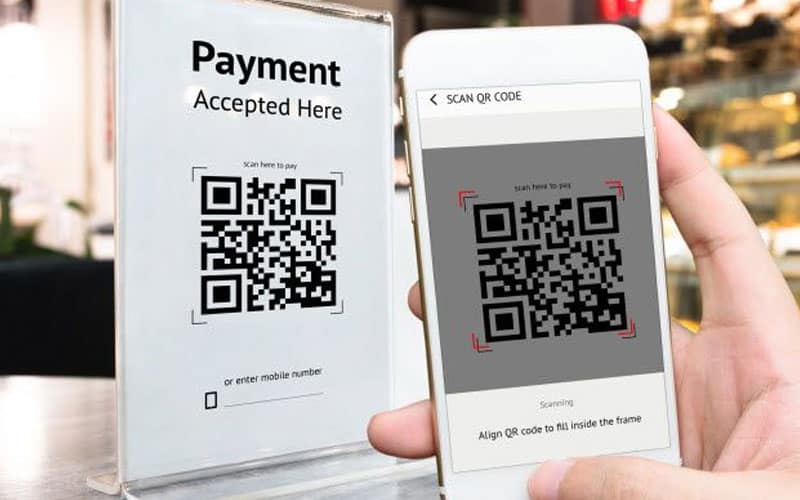
Quick Response (QR) codes have become a convenient way to access websites, menus, payment portals, and more—especially since the rise of contactless services. But as their popularity grows, so does the opportunity for cybercriminals to exploit them. Fake QR codes are a rising threat, and being aware of how they work can help you avoid falling victim to scams or identity theft.
What Are Fake QR Codes?
Fake QR codes are fraudulent images designed to look like legitimate QR codes but lead to malicious websites, phishing forms, or malware downloads. These codes may be printed on stickers and placed over real ones in public places, or circulated digitally via email, text message, or social media.
How Scammers Use Fake QR Codes
-
Phishing Sites: The QR code leads to a fake login page for a well-known service (like a bank or social media site) where you unknowingly enter your credentials.
-
Payment Fraud: Some scammers replace payment QR codes at restaurants, parking meters, or donation sites with their own, redirecting your payment to them.
-
Malware Download: Scanning the code can initiate a file download that installs malware or spyware on your device.
-
Data Harvesting: The malicious site may request personal information such as your name, address, phone number, or credit card details.
Common Places Where Fake QR Codes Appear
-
On public posters and fliers
-
At parking meters or pay stations
-
Restaurant tables or menus
-
Free Wi-Fi access signs
-
Emails or texts claiming urgent action is needed
-
Social media giveaways or promotions
How to Spot a Fake QR Code
-
Check for tampering: Look closely at signs or menus. If a QR code looks like a sticker or is poorly aligned, it might be covering a legitimate code.
-
Look at the link preview: Most smartphones will show the website URL before opening it. Double-check the domain name for typos, extra characters, or unfamiliar addresses.
-
Avoid QR codes from unknown sources: Be cautious about scanning codes from random emails, social media messages, or suspicious locations.
-
Watch for urgency or scare tactics: If a QR code is accompanied by messages like “Act now!” or “Your account will be deleted,” it may be a phishing attempt.
Tips to Stay Safe
-
Use a trusted QR scanner app: Some security-focused QR scanners will warn you of suspicious links or dangerous websites before opening them.
-
Enable device security settings: Make sure your phone or tablet is up to date with the latest operating system and security patches.
-
Verify with the business: If you’re unsure, ask an employee whether the QR code is legitimate, especially in restaurants, retail stores, or parking areas.
-
Don’t enter sensitive information right away: Be cautious before typing in usernames, passwords, or payment information after scanning a QR code.
QR codes are a handy tool, but they also open the door for new types of scams. By staying alert and following some basic precautions, you can protect yourself from fake QR codes and the threats they bring. If something feels off—trust your instincts, and don’t scan it.
Remember: convenience should never come at the cost of your security.