


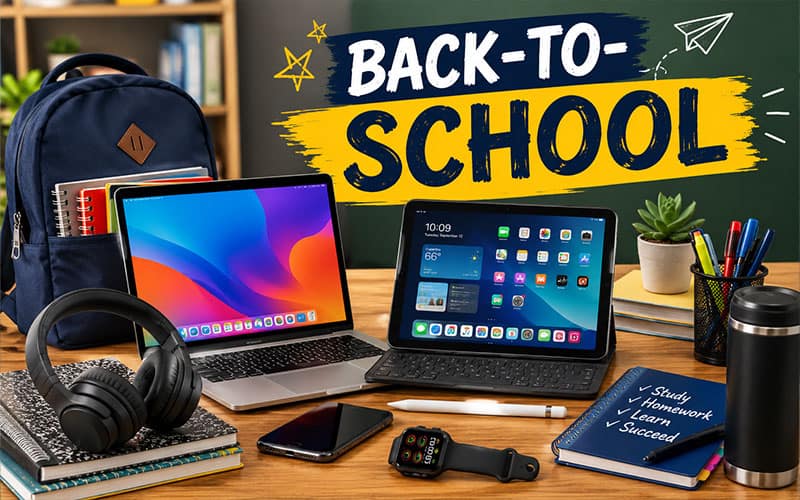
As a new school year begins, having the right technology can make learning more efficient, organized, and enjoyable. Whether you’re shopping for an elementary student, a high school learner, or a college freshman, investing in dependable technology can help students stay productive both in the classroom and at home.
Here are some of the best technology devices to consider for the 2026 back-to-school season.
1. Lightweight Laptop
A reliable laptop remains one of the most important educational tools for students. Modern laptops provide the power needed for research, writing papers, attending virtual classes, creating presentations, and collaborating with classmates.
Look for features such as:
- At least 16GB of RAM
- 512GB SSD storage
- Long battery life (10+ hours)
- Lightweight design
- Fast Wi-Fi connectivity
Students using software for graphic design, engineering, or video editing should consider higher-performance models with dedicated graphics.
2. Tablet with Stylus Support
Tablets have become excellent companions for note-taking, reading digital textbooks, and completing assignments. Models that support a stylus allow students to handwrite notes, sketch diagrams, annotate PDFs, and organize class materials without carrying multiple notebooks.
Many students find tablets especially useful for science, math, and art courses.
3. Noise-Canceling Headphones
Whether studying in a busy dorm, library, or coffee shop, quality headphones help students stay focused by reducing distractions.
Benefits include:
- Better concentration
- Improved online learning experience
- Clear video conferencing
- Comfortable all-day wear
Wireless models offer additional convenience when moving between classes.
4. Portable External SSD
Students accumulate thousands of documents, photos, presentations, and projects throughout the school year. A portable solid-state drive (SSD) provides fast backups and additional storage while protecting important schoolwork.
SSDs are more durable and significantly faster than traditional external hard drives.
5. Wireless Mouse and Keyboard
Long writing sessions become much more comfortable with an ergonomic wireless mouse and keyboard. These accessories improve posture, increase typing speed, and create a more productive workspace for homework and research.
Compact travel versions are perfect for students on the go.
6. Smart Backpack
Technology-friendly backpacks now include:
- Padded laptop compartments
- Tablet sleeves
- USB charging ports
- RFID-protected pockets
- Water-resistant materials
A quality backpack helps protect expensive electronics while keeping supplies organized.
7. Portable Power Bank
Students often spend long days between classes, extracurricular activities, and study sessions. A high-capacity power bank ensures smartphones, tablets, earbuds, and other devices remain charged throughout the day.
Look for USB-C fast charging and multiple charging ports.
8. Webcam and USB Microphone
While many laptops include built-in cameras, an external webcam and USB microphone can significantly improve the quality of virtual classes, presentations, interviews, and group meetings.
These accessories are especially valuable for college students taking hybrid or online courses.
9. Smart Printer
Although many assignments are submitted digitally, students still need to print reports, permission slips, study guides, and resumes.
A compact all-in-one printer with wireless printing and scanning capabilities remains a valuable addition to any study area.
10. Smartwatch
A smartwatch helps students stay organized by providing:
- Calendar reminders
- Assignment notifications
- Alarm and timer functions
- Fitness tracking
- Emergency contact features
These devices can help students better manage their schedules without constantly checking their phones.
Bonus Accessories
Small accessories can make a big difference during the school year:
- USB-C docking station
- Multi-device charger
- Laptop stand
- Blue light filtering glasses
- Cable organizer
- Protective laptop sleeve
- Wireless earbuds
- Screen cleaning kit
Tips Before Buying
Before purchasing new technology, check with your school or college for recommended hardware requirements. Some programs require specific operating systems or software compatibility.
It’s also wise to:
- Purchase extended warranties for expensive devices.
- Invest in protective cases and screen protectors.
- Regularly back up important school files.
- Install antivirus software and keep devices updated.